Your spreadsheet. Your online store.
Turn your product list into an online store.
For free.
Keep your products in Google Sheets. Give customers a simple store with product photos, search and a shopping cart.
No coding. Free to create and use.
Set up on a computer or laptop.After connecting your spreadsheet, you can manage products and orders from your phone too.
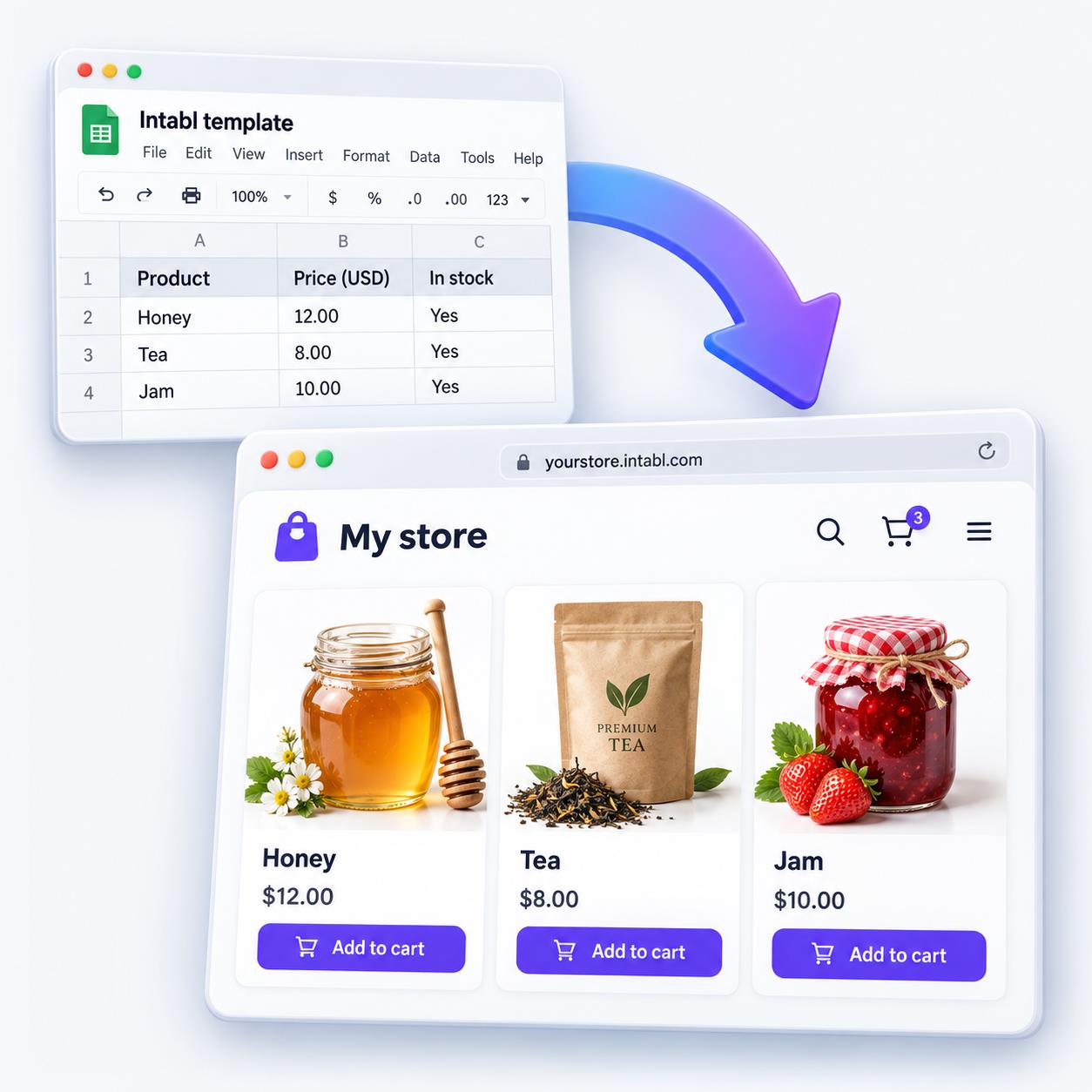
A simple start
Four steps to your store
- 01
Copy the template
Make your own copy of the Google Sheet. The connection script is included.
- 02
Make your catalog public
Choose Share → Anyone with the link → Viewer. Keep only public product information in this spreadsheet.
- 03
Connect your store
Choose INTABL → Connect store and review the Google permissions. Confirm in the dashboard using the same Google account.
- 04
Make it yours
Add products and photos. Choose your country, storefront language, currency and delivery options. Share your store link.
Good to know
Is it really free?
Creating and using an Intabl store is free. You can publish your catalog and receive orders without a subscription.
Where do I edit products?
In goods, or additional sheets whose names start with goods. Use category for categories. Keep the sheet names and column headers unchanged.
Can I choose the currency?
Yes. Choose a supported currency in your dashboard, then enter prices in that currency. Changing the currency does not convert your prices.
Can customers pay online?
Intabl collects orders. Arrange payment and delivery directly with your customer; integrated online payment is not currently available.
Why does Google ask for permission?
The script needs access to the current spreadsheet, Drive metadata for matching photos, and a connection to Intabl. Review the requested access and continue only if you trust the template. You can use a separate Google account for your store.